
A shopper in Dubai finds a product on a phone, opens the store, compares options and is ready to buy. If the page is slow, the product details disappear when connectivity falters, or checkout becomes awkward on a small screen, the customer may leave before completing the order.
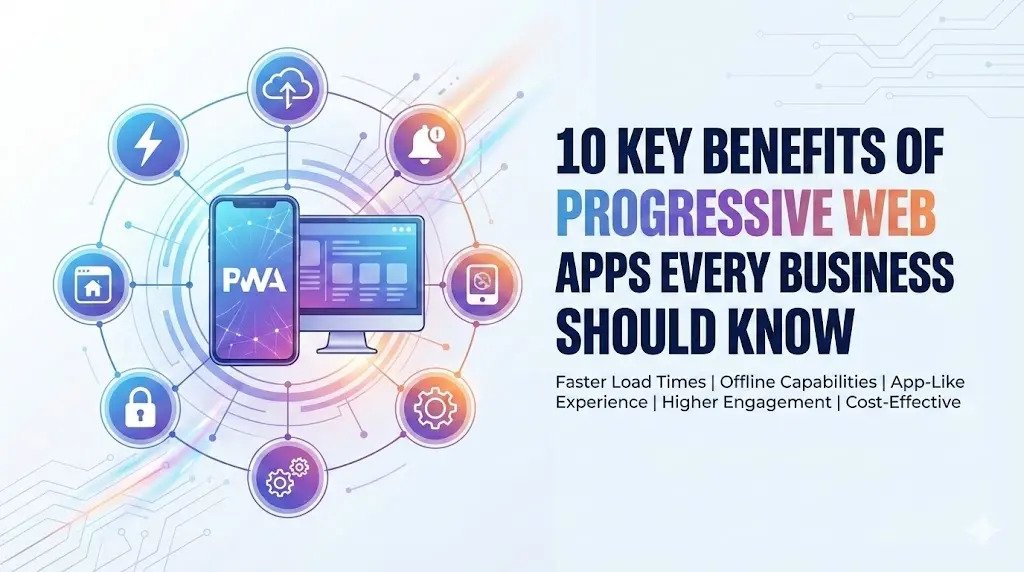
A progressive web app, or PWA, is a web experience built with capabilities that can make it feel more like an app. Depending on how it is designed and which browsers a customer uses, it may be installable, cache selected content for later access and support certain app-like features. It remains a website, so shoppers can reach it through a link rather than first downloading it from an app store.
For an ecommerce business considering an app development company in Dubai, a PWA can be one option to assess alongside a responsive website and a native app. Its advantages depend on the customer journey, technical implementation and business goals. Here are eight potential benefits.
- A direct route from discovery to shopping
A shopper can open a PWA from a product link, campaign or search result. That makes it easier to move from discovering an item to viewing its details without first finding and installing an app.
This can suit businesses where customers arrive through search, social content, paid advertising or recommendations. In Dubai, where retailers may serve residents, visitors and customers in different parts of the region, a link-based experience can also be convenient to share across channels.
A PWA does not automatically improve acquisition. It can, however, reduce the steps between a customer’s interest and the product page.
- An app-like experience on a phone
A PWA can be designed to open in a standalone window and offer navigation that feels closer to an app. A clear product catalogue, responsive controls and a persistent basket can make browsing feel more focused than a site that has simply been squeezed onto a small screen.
The key is usability, not the label. If customers struggle to find delivery details, compare product options or return to their basket, calling the site a PWA will not solve the problem. Test the experience with the devices and journeys your actual customers use.
- Faster repeat visits when caching is implemented well
PWAs can use a service worker to cache selected resources. That may help repeat visits feel faster, especially when returning customers revisit familiar sections or previously loaded pages.
Caching needs careful planning for ecommerce. Product availability, pricing, promotions and delivery information can change. A developer must decide what may be safely cached, for how long, and how the interface tells customers when information needs refreshing.
An experienced app development company in Dubai should consider these details early. Speed is useful only when the displayed information is accurate and the customer can move smoothly to a current checkout.
- Some features can remain available on a weak connection
With suitable offline support, a PWA can continue to show selected cached pages or an informative offline screen when a connection drops. This does not mean a shopper can reliably place an order without internet access. Inventory checks, payment authorisation and order submission usually require a live connection.
The practical aim is graceful recovery. A customer might still view saved information, read previously loaded product content or see a clear message explaining how to resume. A blank error page is rarely a good fallback.
This can matter to customers moving between buildings, networks or mobile coverage areas, but the business should choose offline features that genuinely help rather than promising a complete offline store.
- A lighter path to repeat engagement
If customers install the PWA, its icon can appear on their device’s home screen. That offers another route back to the store without requiring a separate native app listing. Some implementations may also support web push notifications, subject to browser and operating-system support and customer permission.
Notifications should offer a clear benefit, such as an order update or a requested restock alert. Frequent generic promotions can irritate customers and lead them to disable notifications. Permission prompts work best when shoppers understand what they will receive and can make a genuine choice.
- One web experience to maintain across devices
A PWA can use a shared web codebase across supported devices and platforms. For some businesses, that may simplify updates compared with building and maintaining separate native applications for different operating systems.
It does not remove all complexity. Teams still need to test different browsers and devices, manage security, monitor performance and maintain the ecommerce backend. The right cost comparison should include design, development, integration, ongoing support and any platform-specific limitations.
For a retailer that wants to improve its mobile storefront without immediately committing to separate native apps, a PWA may be worth evaluating.
- A chance to improve the whole mobile buying journey
The process of building or upgrading a PWA can prompt teams to review product discovery, filters, product photography, basket visibility, forms and checkout. These improvements may benefit mobile shoppers whether or not the final product meets every PWA definition.
For example, a homeware store could make delivery charges and return information easier to find before checkout. A fashion retailer could simplify size selection and make stock information clearer. These are customer-experience decisions, not effects guaranteed by a technical framework.
Measure changes in useful outcomes such as completed purchases, checkout completion and customer support contacts. Do not judge the project only by whether users install the experience.
- A flexible step between a website and a native app
A PWA can be a sensible middle option when customers need a stronger mobile experience but a full native app may not be justified. It may also be insufficient if the business depends on platform-specific features, extensive offline workflows or other capabilities that a native application handles better.
Start with user needs. Ask how often customers return, which tasks they repeat, whether they benefit from installation, and what features require device integration. If most shoppers make an occasional purchase, a fast mobile website may be enough. If repeat use and app-specific features are central, compare a PWA with native development.
Choose based on customer behaviour
Progressive web apps can help ecommerce businesses deliver link-based access, app-like navigation, selective offline support and easier repeat engagement. None of these is automatic: outcomes depend on implementation, browser support and how well the experience meets customer needs.
Before deciding, review mobile analytics, customer feedback, checkout friction and repeat-purchase behaviour. An app development company in Dubai can help assess whether a PWA, responsive website or native app best fits those findings. For a broader discussion of web and app development options, visit Wisoft Solutions.