
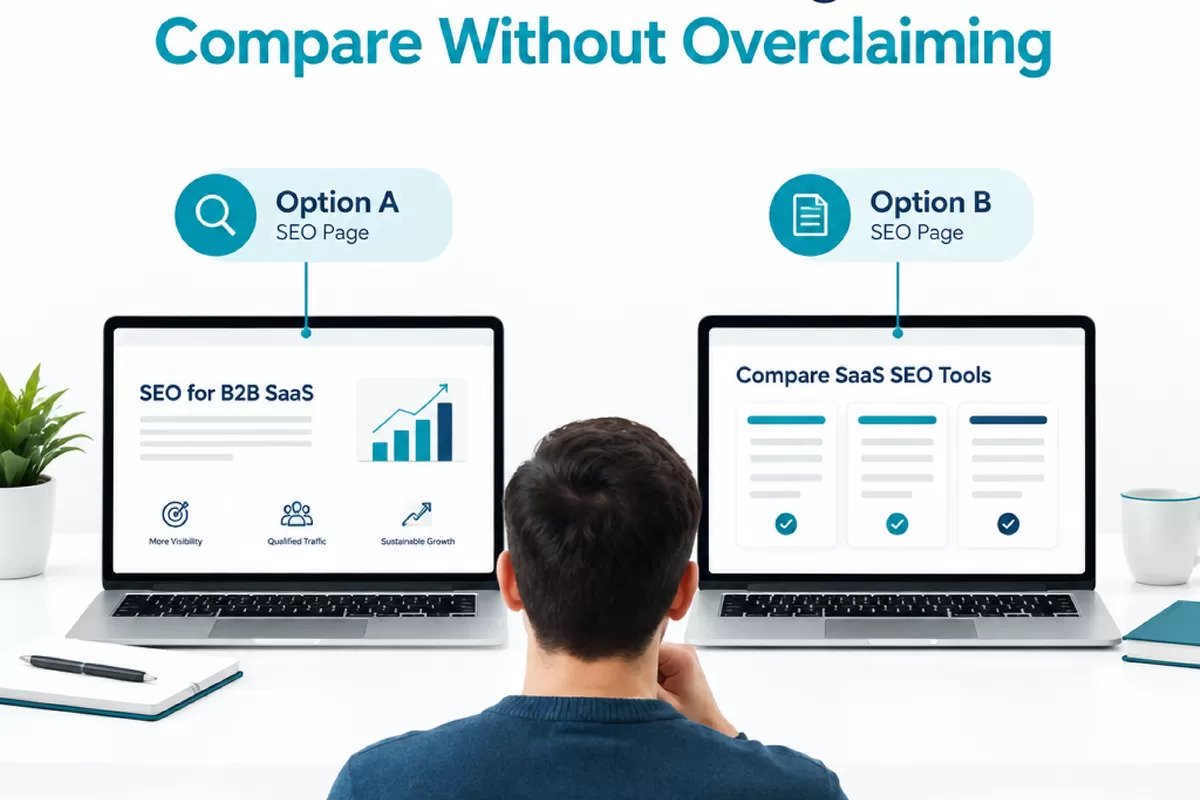
Comparison, alternatives, and integration pages can help a buyer evaluate a B2B SaaS product, but only when they answer the question the buyer actually has. Thin pages built around keyword targets often repeat broad claims, skip important trade-offs, and leave sales teams with more explaining to do.
For SaaS companies selling in the United States, the better approach is to build these pages around real evaluation tasks. Find the questions buyers ask, document what your product can support, and make the next step useful whether someone is ready to talk with sales or still comparing options. No page type guarantees rankings or leads, but a clear, accurate page gives searchers a better reason to stay.
Choose a page topic from real buyer questions
Start with evidence from your own buying process, not a list of competitor names. Review sales call notes, support tickets, demo questions, lost-deal feedback, and search queries in your analytics tools. Look for recurring questions that signal a specific decision, such as whether your software works with a buyer’s existing systems, supports a required workflow, or fits a particular team size.
Then decide which page format matches the question. A comparison page can help someone weigh two approaches or products. An alternatives page may serve a searcher looking for options after deciding their current tool is not a fit. An integration page is useful when the buyer needs to know how your software connects with a system they already use. These formats are not interchangeable, and publishing all three without distinct information tends to create duplication.
Before adding a topic to the plan, ask:
- Can we identify a recurring buyer question behind this search?
- Can product, sales, or support staff verify the information the page needs?
- Will the page help a reader make a decision, even if they do not choose our product?
- Does an existing page already answer the question well?
If the answer to the first two questions is no, pause. Research the topic with the people who hear buyer concerns firsthand, or choose a subject the team can support with reliable details. A broader b2b saas seo guide can help teams connect comparison content with technical fixes, ranking-focused content, ethical link building, local visibility, and reporting tied to leads, while accounting for AEO and GEO. AEO means Answer Engine Optimization, and GEO means Generative Engine Optimization. Both call for clear, useful information that can be understood in search experiences beyond a standard list of links.
Make comparison pages fair, specific, and verifiable
A comparison earns trust by showing what was compared and where the information came from. Set a clear scope before drafting. That might mean comparing workflows, supported integrations, deployment requirements, or pricing structures. Avoid vague labels such as “best” unless the page explains the criteria and evidence behind that judgment.
For each product or approach covered, use the same categories where possible. Depending on the topic, useful details may include:
- Core use cases and the types of teams each option is designed to support.
- Available integrations and any setup requirements or limitations.
- Implementation, migration, or training considerations that affect the buyer’s workload.
- Pricing model details that are publicly available, with a note to confirm current terms.
- Security, compliance, or technical requirements, stated only when the team can verify them.
Product claims need an owner and a check-in date. Ask product or engineering to confirm technical statements. Have sales or customer success review how workflows are described. For pricing, security, and integration details that can change, add an internal review date and a clear process for updating the page. If a detail cannot be confirmed, leave it out or say what the reader should verify directly.
Fairness does not mean pretending every option is identical. It means explaining meaningful differences without hiding trade-offs. If your product lacks a feature a buyer may need, state that plainly and describe any relevant workaround only if it is supported and accurate. Do not make unverified claims about another product, imply access to private competitor information, or present a dated feature comparison as current. A page that is honest about fit can help the wrong prospect self-select out, which is more useful than drawing them in with a claim the product cannot meet.
A comparison page should make the buyer’s decision clearer, not make your product look right for every buyer.
Connect the page to a useful next step
Once the page answers the evaluation question, give the reader a relevant way to continue. A high-intent reader may want to see a product demo or discuss a specific integration. Someone earlier in the process may benefit more from implementation details, technical documentation, or a product overview. Make the next step match the page rather than repeating the same sales call prompt everywhere.
For integration pages, show the practical path: what the integration does, what a user needs before setup, and where to find instructions or request help. For alternatives pages, help readers compare selection criteria and explain which requirements your product meets. For comparison pages, make the evaluation framework easy to scan. Keep calls to action clear, but do not interrupt the information with repeated prompts.
Search performance also depends on more than the page copy. Check that the page loads and renders correctly, has a descriptive title and heading, and is reachable through relevant site navigation. Use internal links from related product, integration, and educational pages where they make sense. Review whether multiple pages target the same question or compete to answer it. If so, consolidate overlapping content or make each page’s purpose more distinct.
Measure useful outcomes rather than treating rankings as the only signal. Track organic visits to the page, engagement with relevant next steps, and whether visits contribute to qualified leads. Keep attribution limitations in mind: a page may assist a buying journey without being the last interaction before a conversion. Review search queries and sales feedback periodically, then update sections that are inaccurate, confusing, or no longer match buyer questions.
A practical starting point is to select one recurring evaluation question, confirm that your team can substantiate the answer, and publish one page with a clear scope. Assign an owner to review product claims and schedule updates. If the page proves useful to buyers and supports a distinct search need, expand the plan to related comparisons, alternatives, or integrations. That steady process is more defensible than publishing a batch of near-identical pages and hoping one performs.